Couple Mailmate to Things for Maximum Productivity
Recently, Michael Lopp wrote I Hate Fish in which he outlined his approach to getting work done.
The simplicity to remember when to do what resembles how I use Things (which he also uses) in combination with Mailmate and Keyboard Maestro:
- When an email requires follow-up, I hit
⌃ ⌥ ⇧ ⌘ Rand I type in how many days I want to be reminded.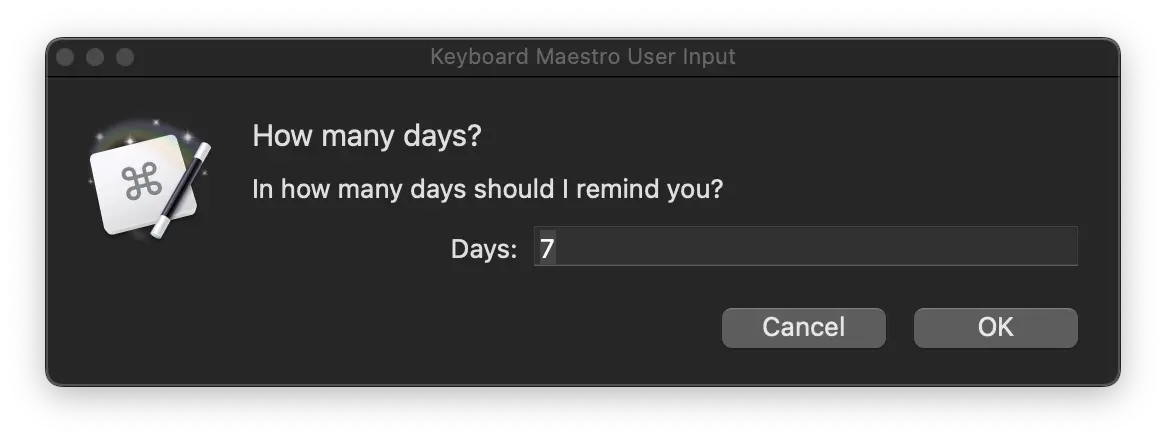
Keyboard Maestro asking me in how many days I should be reminded - The subject is then copied and becomes the title of the item. A clickable link to the email is added as a note.
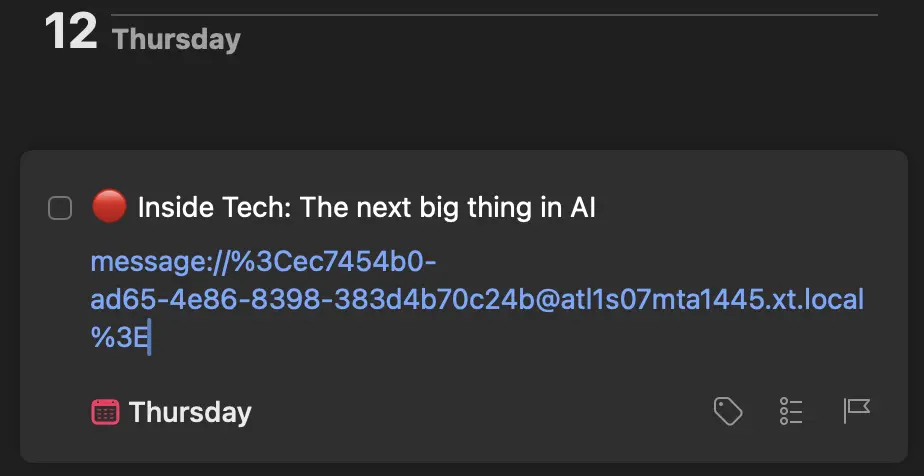
The item in Things - That’s it. On the day I have to follow-up, the item will pop up in my Things list.
The system also works when I just replied to an email, and I want to be reminded if there has been a follow-up or not.
The core of the system relies on this Keyboard Maestro macro
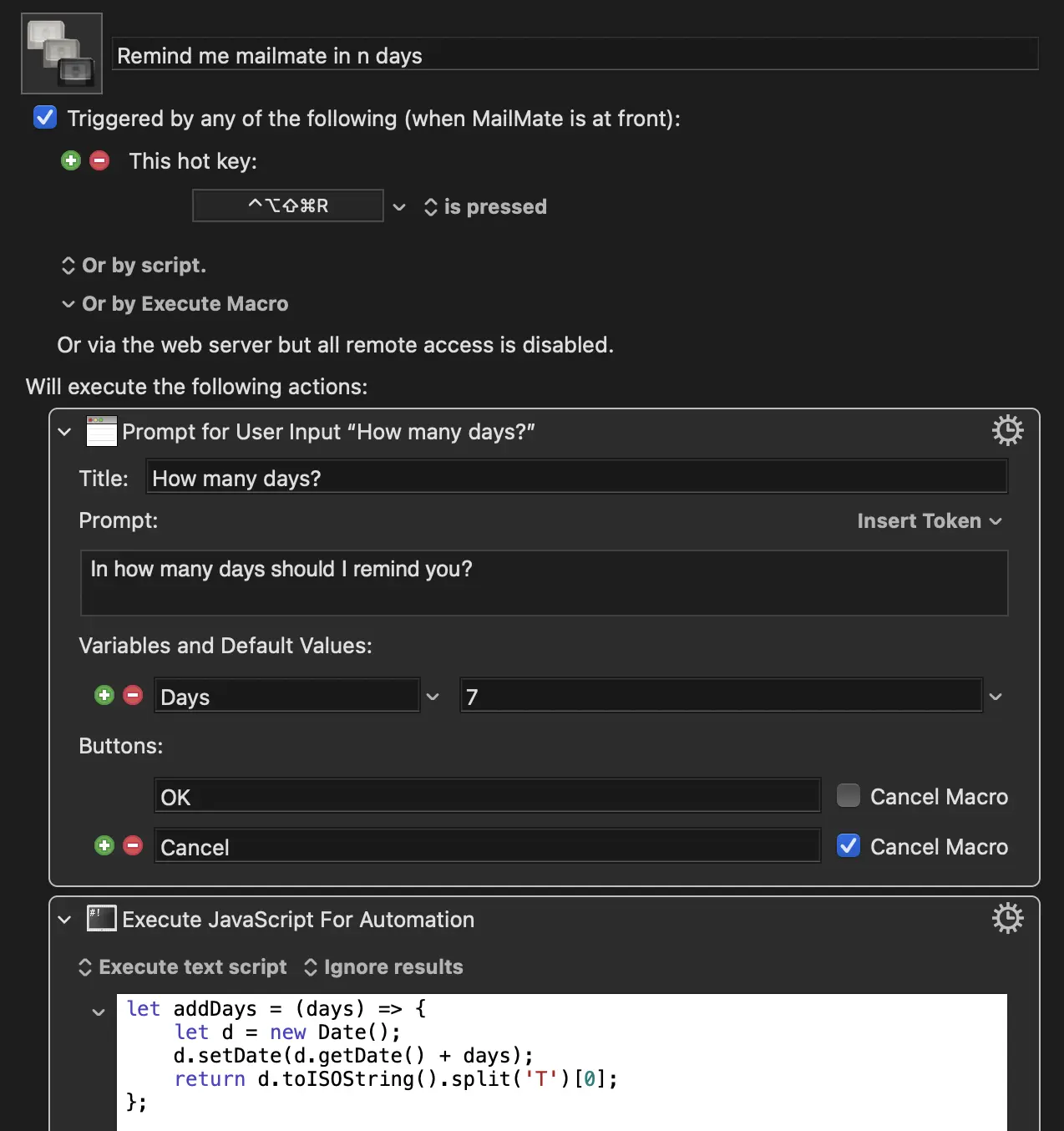
All the heavy lifting is done by this bit of JS:
|
|
Some notes:
- Line 7: I didn’t use the Things JXA API but its URL scheme as
activationDate(line 12) is somehow not supported there 🤪. - Line 21: This is how you fetch the
Daysvariable from the modal. - Line 25: It’s important to invoke the script with a message selected.
You can download the macro here.